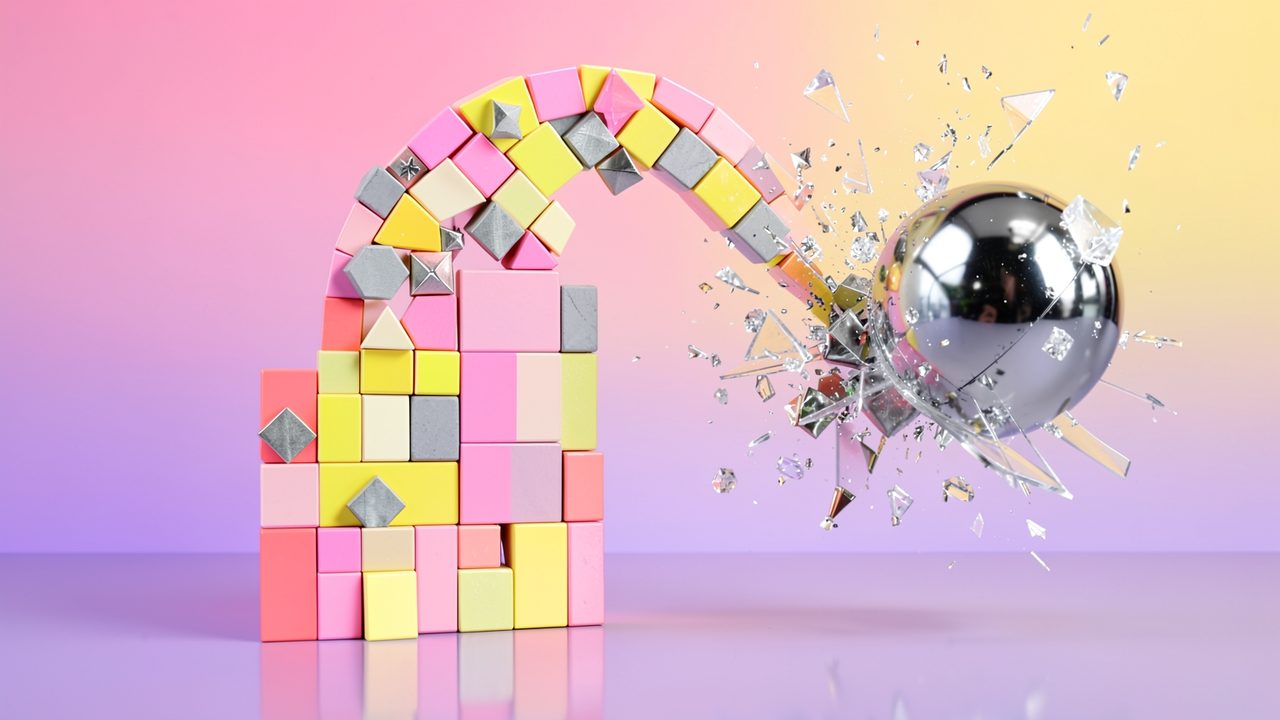
A little arch-shaped sculpture of pastel pink, yellow, cream and grey blocks with metal diamond studs stands on a reflective floor before a pink-to-yellow gradient, as a polished chrome ball bursts through its right side in a spray of glass shards.

Shape SmasherPocket Sculpture Demolition

Reactorcore's Personal Game Design Project

Free to forkNo licence and no copyright claim: build this game under your own name, or lift one idea from it. Why?

Game overview

Shape Smasher is a 2D physics game for phones and PC with two halves: make art, then smash it. In a level editor you build sculptures out of geometric shapes in wood, glass, stone, metal, dirt and ice. Every sculpture is a level, and everyone else gets to wreck it.

Smashing is done with your finger. Grab any piece of the sculpture, drag to set its direction and speed, and let go, or bring in a wrecking shape you can reshape, resize and set on fire. Each sculpture has a few little ragdoll minidudes scattered through it, and clearing them out is the goal, but how much of the art goes with them is up to you: a needle for just the minidude, or a sledgehammer for everything. There's no penalty either way.

The idea started as an Angry Birds or Crush the Castle that wasn't a puzzle about scarce shots, but a stress toy: abundant, spontaneous carnage you can pull out of your pocket anywhere, with no XP, coins, unlocks or intrusive ads. This page shows the design's later, simplified version, which made it more of a game and less of a social network.

Target audience

People who want a quick, guilt-free release on a bus ride or a coffee break, and who miss physics wreckers from before they grew energy timers, star ratings and coin shops.

And people who like making little things for others, and want to see what became of them.

One thumb is enough. The whole game is tap, drag and hold, laid out for the reach of a thumb, mirrored for left-handed players if they ask.

Game's purpose

Excitement and release: stress relief and anger venting through satisfying destruction.

Power: the whole arsenal at your fingertips, nothing rationed.

Creation and self-expression: sculptures that say something, and smashing as a way of answering.

Giving and receiving: authors see exactly what their art went through.

It avoids draining rest (no timers, no stats, exit at any moment), money (no shop) and safety (no written comments, so nowhere to be cruel).

Core concept

Physics wreckers usually ration your shots, grade every level in stars, and hold the next levels back until you've scored enough of them.

Here every tool is yours from the start, you decide when a level is finished, and the levels never run out, because they come from other players and from a generator that works offline.

The push-back comes from the sculpture itself: where the minidudes hide, and how much of the art you want left standing.

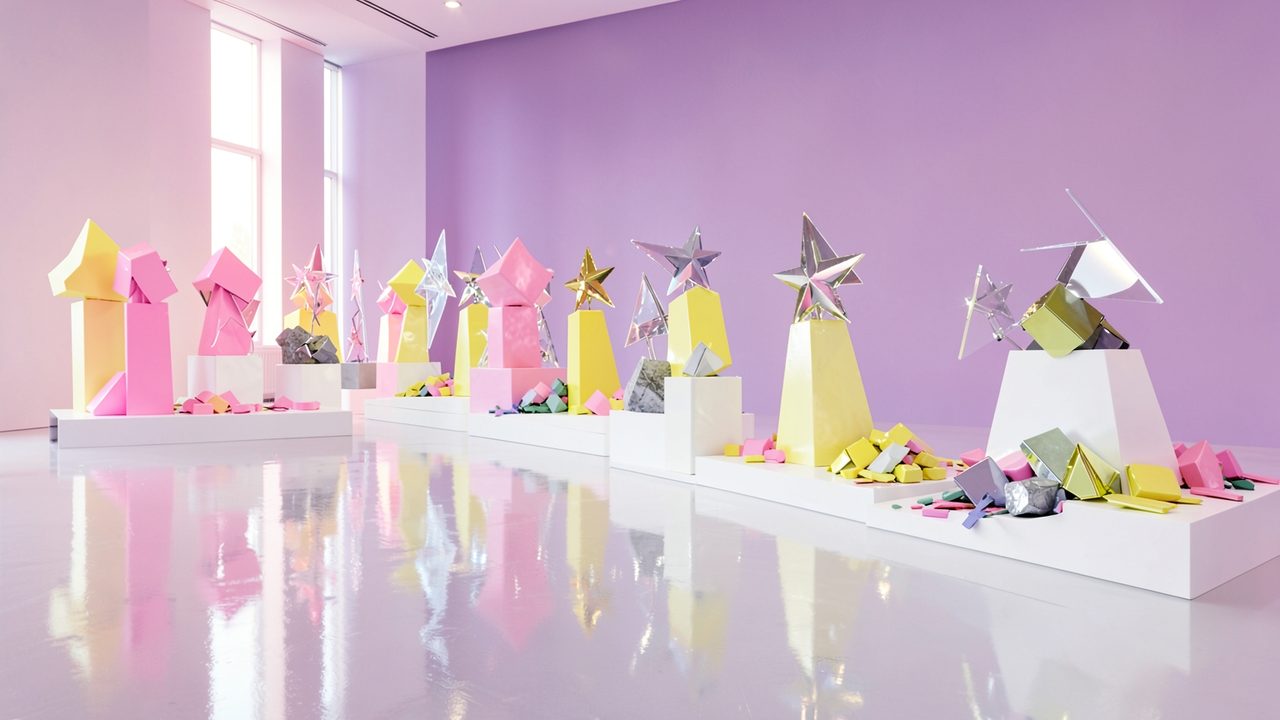
A bright white gallery hall with a polished floor and a lilac wall, a long row of pastel sculptures of blocks and metal stars on white plinths, some standing, some lying in heaps of broken coloured shapes.
"Every level is a sculpture someone built, often with a message in it, and every play is a reaction to it."

The idea

Shape Smasher has no story of its own. Its stories are the sculptures, and the people who make and break them.

Art that's meant to be eaten

The design compares a level maker to a chef. You spend an hour on a beautiful dish, set it in front of a stranger, and they devour it in minutes. If it was good, you made someone's day. A sculpture works the same way, except it's served to everyone who downloads it, all at once.

In most galleries, reworking someone's piece is frowned upon. Here it's the whole point: you make art expecting it to be torn apart in creative ways, and the fun is seeing how raw the reactions were.

Why levels became art

A wrecking game needs levels, so the editor came first, for making the first levels at all. Then came the real problem: smashing takes seconds and no thought, while building takes thinking and up to an hour. Why would anyone make levels? Because arranging shapes is already an art form: patterns, colors and silhouettes can carry meaning. So levels became sculptures, their makers became artists with something to say, and smashing became a kind of critique.

Why the sculptures have residents

The first version of the design was a social art platform, with accounts, a level store and feedback flowing back to every author. The later version keeps the art and drops the network: levels travel as packs, the way mods do, and each sculpture gets a handful of minidudes to clear out. That gives every level a goal and every player a choice, and keeps the sculpture's author in the picture.

Controls and interface

Shape Smasher plays in portrait or landscape on a phone, and in landscape on PC, where the mouse does what the finger does. Everything is a tap, a drag or a hold. The play screen is split into a spawn band along the top, where your tools appear, and the art space below it, with the sculpture standing on the ground.

Smashing

Hold a piece
Grab any object; its momentum stops
Drag
Set a new direction and speed while you hold it
Let go
Launch it along the path you set
Second finger
Hold anywhere: the piece follows your first finger instead, with a firmer grip

Wrecking shape

Tap the spawn band
Bring it in, or take it away
Shape menu
Change its form, size and material
Density
Make it solid or hollow
Element
Imbue it with fire or another element

Building

Editor box
The current shape sits in the centre; sliders set height and width, a handle rotates it
Drag out
Drop the shape into the art zone
Side buttons
Shape, material, color tint; duplicate, templates, multiselect
Delete zone
Appears at the edge while you drag; drop a shape there to bin it

Getting around

Quickplay
Straight from boot to a sculpture
Next
On to the next level when you've decided you're done
Exit
Leave at any moment, nothing lost
Hand choice
Asked once at first launch; mirrors every menu and button

A grip lasts until something else crashes into the piece you're holding: any moving object that hits it knocks it loose from your finger. The design maps the comfortable reach of a thumb, a quarter circle over the lower part of the screen, and keeps the common actions inside it, with the side strips for two-handed grips: one thumb, one hand holding and the other tapping, a vertical Game Boy grip or a sideways one.

A pink block flies in on a motion trail and smashes into a tower of clear glass and yellow triangles, glittering fragments spraying from the impact, against a plum backdrop.
"Grab any piece of the sculpture, drag to set its direction and speed, and let go."

Game layers

  1. 01 · Moment-to-moment

    One sculpture

    A sculpture opens with its title and its author's message. A few minidudes sit somewhere in it, placed at random, so the same sculpture is a different job every time. You get a weapon loadout for the level, and then it's you and the physics: fling a stone block into a glass arch, drag a beam through a tower, drop the wrecking shape from the top.

    The level is done when you say so. There's no required percentage of destruction and no timer.

  2. 02 · Low metagame

    A level pack

    Levels come in packs: a bunch of similarly themed sculptures by one author, or a campaign put together by players, with the author's thoughts riding along. A pack is a short, finite run with a start and an end, shown as a row of circles that fill in as you go. Packs without a name get one from a random name generator.

  3. 03 · High metagame

    An endless gallery

    There's always another sculpture: packs from other players, and a generator that builds random sculptures (some of them gloriously nonsensical) offline. Random picks never serve you one you've already played.

    Your player log keeps every level you've played, each with its aftermath and the one feeling you gave it, and any of them can be replayed. Your own sculptures have a log too: the aftermath gallery shows what everyone did to them. That's a record of what happened, not a score.

  4. 04 · Practical game flow

    Whip it out, have a blast, put it away

    The design's own flow, in its words: whip it out, boot it, hit quickplay, have a blast, exit any time. One sculpture takes a minute or two. Stop mid-level and nothing is lost, nothing is counting down, and nothing will ask you to come back. A pack waits where you left it.

Game modes

Every mode plays on the same sculptures, so any level can be played several ways:

ModeWhat you doWhat it's for
Clear-out levelsRemove every minidude with a random loadout, sparing as much or as little of the art as you likeThe main game: a goal, a choice, no penalty
Rescue levelsTag minidudes with balloons that float them up to safety, without bringing the sculpture down on themCareful play, for when weapons-free isn't the mood
Free smashNo minidudes and no goal: wreck any sculpture, or a generated one, until you're satisfiedThe pure stress toy, online or offline
CreateBuild sculptures and packs in the editor, test them, and share themSaying something, and seeing what people make of it

A pack can mix clear-out and rescue levels, so a run alternates between careful and weapons-free.

Features and mechanics

  1. A slingshot without the slingshot

    Grab anything, fling it

    The controls are Angry Birds' slingshot, except that every piece of the level is the bird. Point and hold on any object: its momentum stops and a temporary joint forms between it and your finger. Drag to give it a new direction and speed, and let go. If nothing interferes, it launches exactly the way you set it.

    Hold a second finger anywhere and the joint changes mode: the piece now follows your finger around instead, with a stronger grip that's harder to knock loose, for dragging a beam through a tower or lifting a slab to drop it. An optional overdrive boost multiplies your force, and fixed physics limits on speed and size keep the simulation stable however hard you throw. You can level a whole sculpture this way without ever touching a weapon.

  2. Your own piece

    The wrecking shape

    Besides the sculpture's own pieces, you have one wrecking shape: indestructible, and only ever one of it at a time. Change its shape, its size, its material (which sets its friction), its density (solid or hollow), and imbue it with an element.

    Every property follows the same physics as the sculpture's pieces. A big one is heavy and bulldozes; a small one is sharp and punches through. A burning one sets wood alight. It's one tool that covers everything from a pin to a wrecking ball.

  3. The heart of it

    Needle or sledgehammer

    In a clear-out level, the minidudes are the goal and the sculpture is collateral. Say one is wedged in an awkward spot between two glass panels: you can thread the needle and take only the minidude, leaving the art untouched, or swing the sledgehammer and take the whole thing down with it. Both finish the level. Neither is scored.

    That choice is the design's original idea, Spare or Smash, turned into play. Respecting someone's art is something you do with your hands, shot by shot, instead of a button you press. Because minidude positions and your loadout are rolled fresh each time, the same sculpture asks the question differently every play.

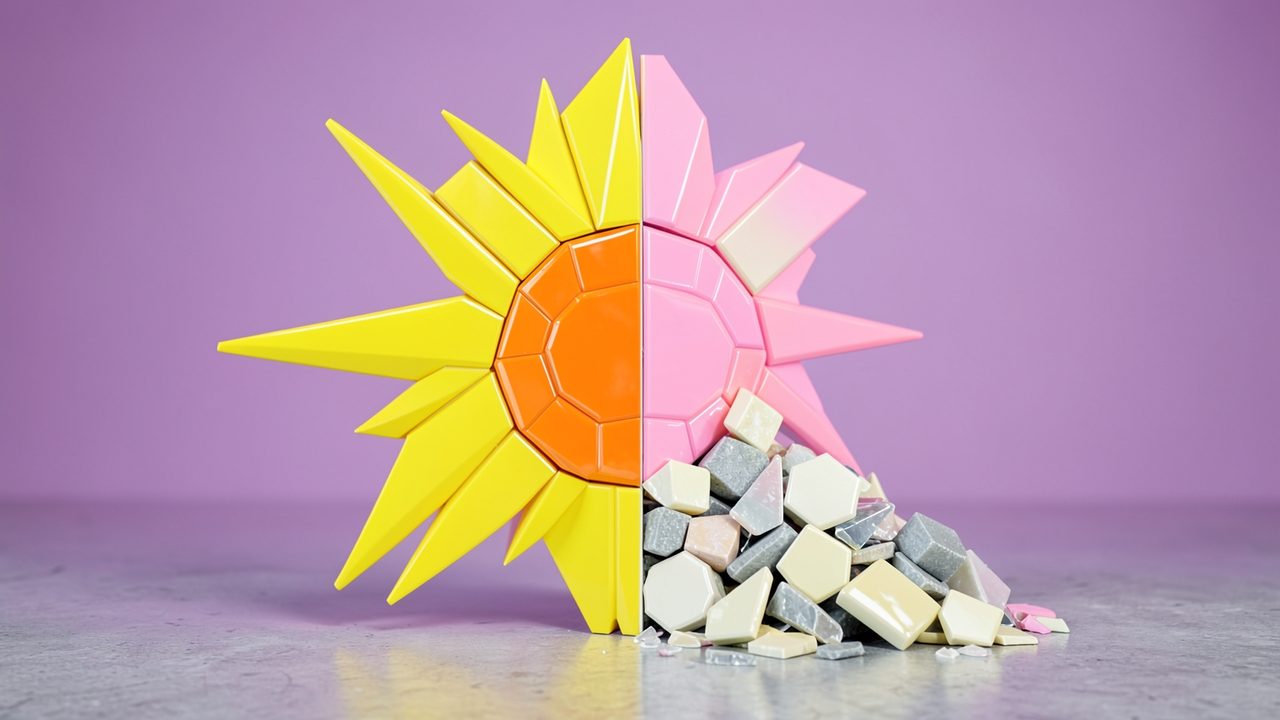
    A sunburst sculpture split down the middle: the left half, yellow rays around an orange disc, stands intact; the right half, in pink, is collapsing into a heap of cream, grey and pink pieces on the floor.
    "No score for sparing the art, no penalty for wrecking it. How much survives is your call."
  4. The editor

    Sculptures from shapes

    Every piece is a shape stretched freely along both axes: basic squares, triangles and hexagons; advanced right triangles, diamonds, pentagons, heptagons, octagons and flat slivers; special stars and slanted pieces; and unique entities like ropes, chains, vines, explosives and heaters. A material is laid over the stretched shape and decides its look and behavior, and its mass and strength come from its size: bigger is heavier, smaller breaks sooner. A color tint goes on top.

    Pieces can stand loose, be linked by joints, or be glued into composite shells that still break apart along the pieces they're built from. Optional indestructible framing ground (a floor, one wall, both) frames the art zone. A background mode adds gradients, patterns and desaturated background shapes, one rotatable ambient light and up to four colored point lights, from bright daylight to a moody night.

    Multiselect handles the tedious parts: box select, select similar, handpick, select all, and "deselect random" with a percentage slider, for roughing up a tidy wall.

  5. Blank-canvas help

    Never stuck on a blank canvas

    Building is the hard half, so the editor helps you start. A framing word, a random word, phrase or question, gives a sculpture a subject. A weekly theme gives everyone the same prompt to answer in their own way. The generator can build a complete or partial random sculpture as a starting point.

    Every shape and material menu has a randomize button, with a dice checkbox on each category to include or leave it out, so a single tap drops a random shape at a random size. Anything you like can be saved as a template and spawned again later. Tutorials cover both the game and the craft of making a level, down to a light art primer.

  6. Feedback without comments

    The aftermath gallery

    When the last minidude goes, the game takes an automatic low-resolution screenshot of that final moment, tags it with the level or pack name, and uploads it to a simple image server. Anyone can browse the latest hundred plays, or look up an author from an alphabetical list and see what became of each of their sculptures: left pristine, gently trimmed, or flattened. Old images expire after a while, so storage stays small.

    After a level you can also leave one feeling, once: like, neutral or dislike at the least, from a small grid that also has surprise, sadness, anger, love, confusion and "really makes you think". There is deliberately no written feedback at all, so there's nowhere to be cruel. A level you don't want to see again can be blocked for you alone, and real abuse is reported and removed on the server.

  7. Support, if you feel like it

    The ad circus

    The game is free and never interrupts you with an ad. Instead there's an ad circus, tucked away in a submenu, never on the main screen: a wall of tiles behind closed theatre curtains. Open one and you see an ad; close it whenever you like. Five seconds counts as a view toward a support bar, and an info panel explains plainly what the ads pay for: server costs, data, funding goals and what's being built next.

    It only asks you to watch if you want to, for your own reasons. And because this is Shape Smasher, you can also pick an ad and break it to pieces instead. For anyone who wants to say thank you with money, there's a separate paid extra on an outside store, linked from the app.

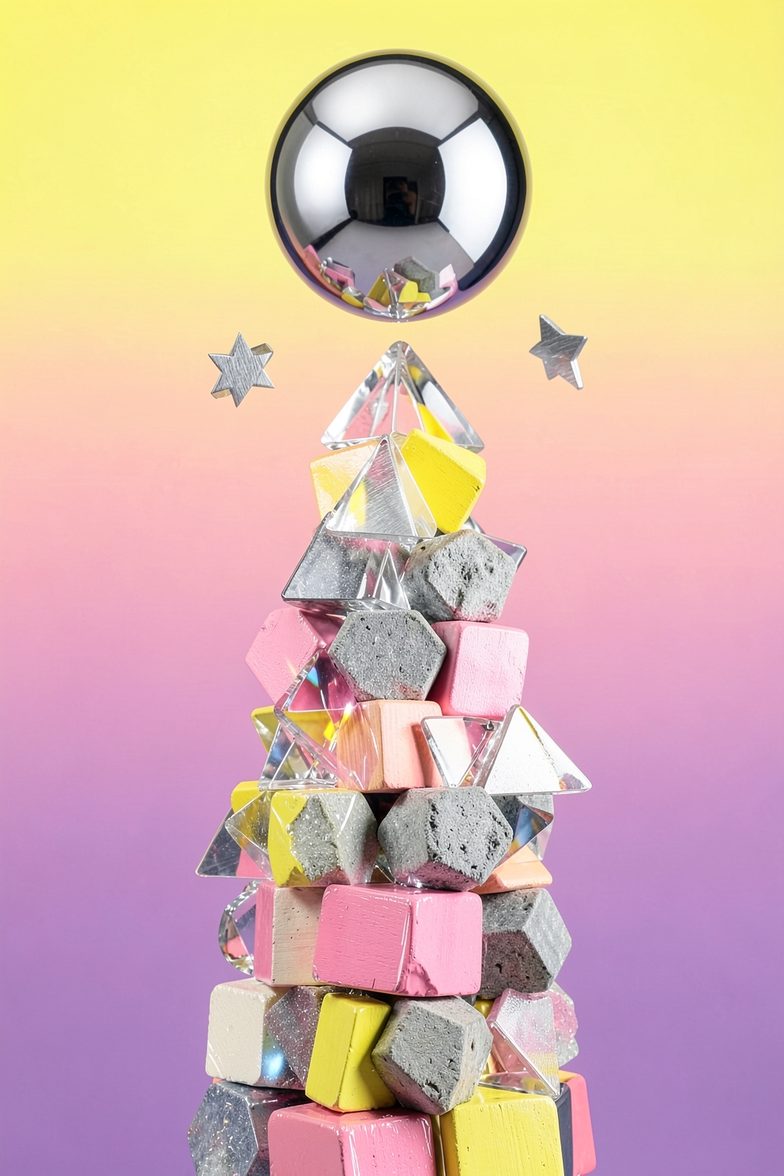
Box art: a giant chrome ball hangs above a tall stacked tower of pink, yellow, grey stone and clear glass shapes, two small metal stars floating beside it, on a yellow-to-violet gradient.

Gallery rules

Shape Smasher: Pocket Sculpture Demolition

Please touch the art. Pick up the pieces. Throw them at the other pieces. Bring your own wrecking ball, and set it on fire if you like.

Then build something of your own, put a message in it, and hand it to the world to see what they do with it.

Make art, then smash it.